Redact a PDF — black out sensitive info, free

Automatically black out emails, phone numbers, SSNs, and card numbers — and any words you add — with real, unrecoverable redaction.

Redact a PDF

Upload a PDF, choose what to black out, and download a truly-redacted copy.

Detected automatically. Names and street addresses aren't reliably auto-detectable — add those below.

Comma-separated names, addresses, or IDs to black out — e.g. John Doe, 123 Main St.

Powered by dojobase
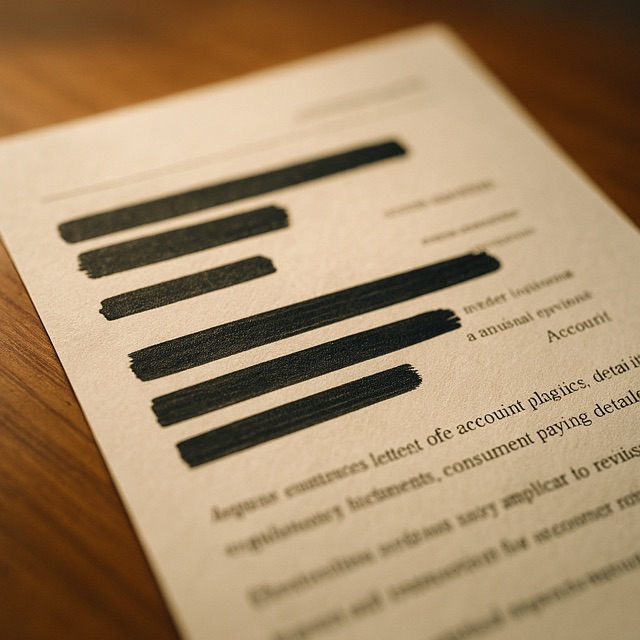
Upload a PDF and we'll find and permanently black out sensitive data: email addresses, phone numbers, Social Security numbers, and credit-card numbers by default, plus any extra words, names, or IDs you list. This is real redaction — the blacked-out pages are flattened so the hidden text is gone for good, not just covered by a box you could copy underneath. No watermarks, no account.

Frequently asked questions

Is this real redaction or just black boxes?+

Real. Pages with a match are flattened to an image with the sensitive regions burned to black, so the underlying text is physically removed — you can't select or copy what's under the box. Document metadata is wiped too.

What does it detect automatically?+

Emails, phone numbers, US Social Security numbers, and credit-card numbers. Add anything else — names, addresses, account IDs — in the “extra words” box.

Does it work on scanned PDFs?+

It works on the text layer, so it can't find text inside a scanned image. Use it on real (digitally-created) PDFs; scanned pages pass through untouched.

Will the rest of my document still be selectable?+

Yes — only pages that actually contain a match are flattened. Pages with nothing to redact are left fully intact.

Do you keep my file?+

No — files uploaded through the free tool are deleted automatically a few hours after the run.

Need this at scale?

Chain this into a full pipeline — extract, transform, route, deliver — and run hundreds at once.

Automate PDF redaction at scale